Your week at a glance.
Daily specials, suggestions, events, closures: everything you create lands in the Schedule, whether it comes from WhatsApp, ChatGPT, Claude or the back office. You edit or cancel in one click, before it goes out.
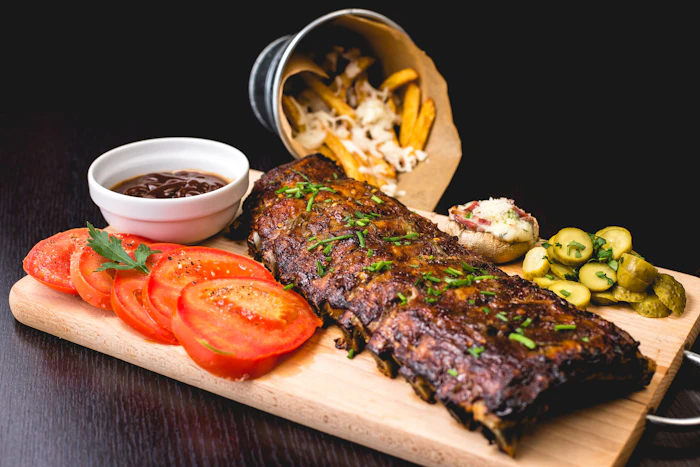 Daily special · BlanquetteCreated via WhatsApp · published 11:00
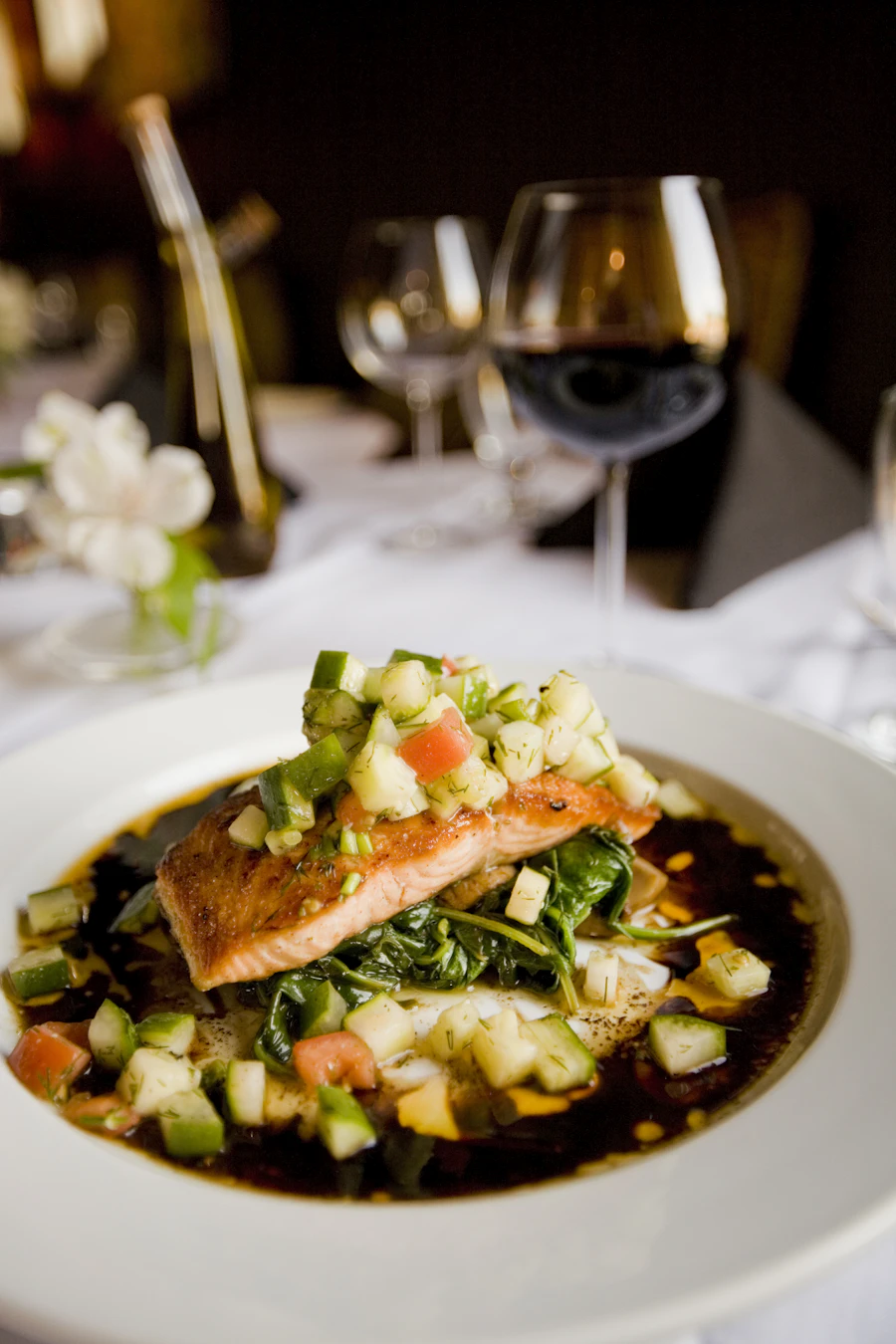 Daily special · Salmon filletCreated via ChatGPT · scheduled 11:00Scheduled
How it works
Plan, adjust, cancel.
- 1You see the week
Week or month view, date strip on mobile. Your closing days are greyed out.
- 2You add or edit
A day’s “+” opens Create with the date filled in. “Edit” reopens a creation that’s already prepared.
- 3Website and social media follow
An edit updates the website and replaces the scheduled post. A cancellation removes everything.
In detail
Five types of announcements, one calendar.
Everything in one place, wherever it comes from.
What you send on WhatsApp, what you ask ChatGPT or Claude, what you create in the back office: it all lands in the Schedule, with its source.
- Week or month view, date strip on mobile
- Source shown: “Created via WhatsApp”
- Your closing days greyed out
Schedule · this week
Mon · BlanquetteCreated via WhatsAppPublishedTue · Salmon filletCreated via ChatGPT11:00Everything can be fixed before it goes out.
“Edit” reopens the creation, already filled in. The scheduled version is replaced and the website follows. “Cancel” removes everything, and nothing goes out.
- Edit: website and scheduled post are updated
- Cancel: nothing goes out, the content leaves the website
- Already published? It stays online, the edit is added
Tuesday · Salmon fillet
Daily special · €16Google, Instagram, Facebook · 11:00ScheduledOne calendar for all your announcements.
The daily special, but also your suggestions, your events, your holidays and your messages: each with its visual and its place on the mini-site.
- Daily special and suggestions (2 to 5 dishes)
- Event and free message
- Closure: the days show as “closed” on GoogleNew
Create · what?
FAQ
What we’re asked most often.
Another question? Message us on WhatsApp, we’ll reply the same day.
All questionsYes: “Edit” reopens the creation, and the new version replaces the one that was scheduled.
It stays online. If you send an edited version to social media, it is added as a new post.
Yes. Everything lands there, with its source shown: WhatsApp, ChatGPT, Claude or back office.
You cook. We make sure people know about it.
Send a photo of your chalkboard on WhatsApp, or tell ChatGPT your dishes: your first daily special is online in under a minute.